
As PostgreSQL tables grow past tens of millions of rows, queries that once returned in milliseconds start taking seconds—and conventional B-tree indexes that previously solved everything begin to hit their practical limits. Table partitioning is PostgreSQL's native mechanism for dividing a single logical table into smaller physical pieces, allowing the query planner to skip irrelevant data entirely and dramatically improving performance for the right workloads. This guide covers when partitioning genuinely helps, how to choose the right strategy, and the operational pitfalls that can make a well-intentioned partition scheme worse than what you had before.
What Is Table Partitioning in PostgreSQL?
Partitioning divides a single logical table into multiple smaller physical tables called partitions. From the application's perspective, the table behaves normally—INSERT, UPDATE, DELETE, and SELECT work against the parent table name as usual. Under the hood, PostgreSQL routes each row to the correct child partition based on its partition key value. More importantly, at query planning time, the optimizer performs partition pruning: it inspects the query's WHERE clause and eliminates partitions whose data cannot possibly match the filter, scanning only the relevant subset.
PostgreSQL introduced declarative partitioning in version 10, and the feature has matured substantially in subsequent releases. PostgreSQL 12 significantly improved runtime partition pruning (applied during execution, not just planning), version 14 added improvements to partition-wise joins and aggregate parallelism, and the ecosystem around partition management tooling has matured alongside the core feature. For most production use cases involving time-series data or multi-tenant architectures, declarative partitioning is now a reliable, well-understood tool.
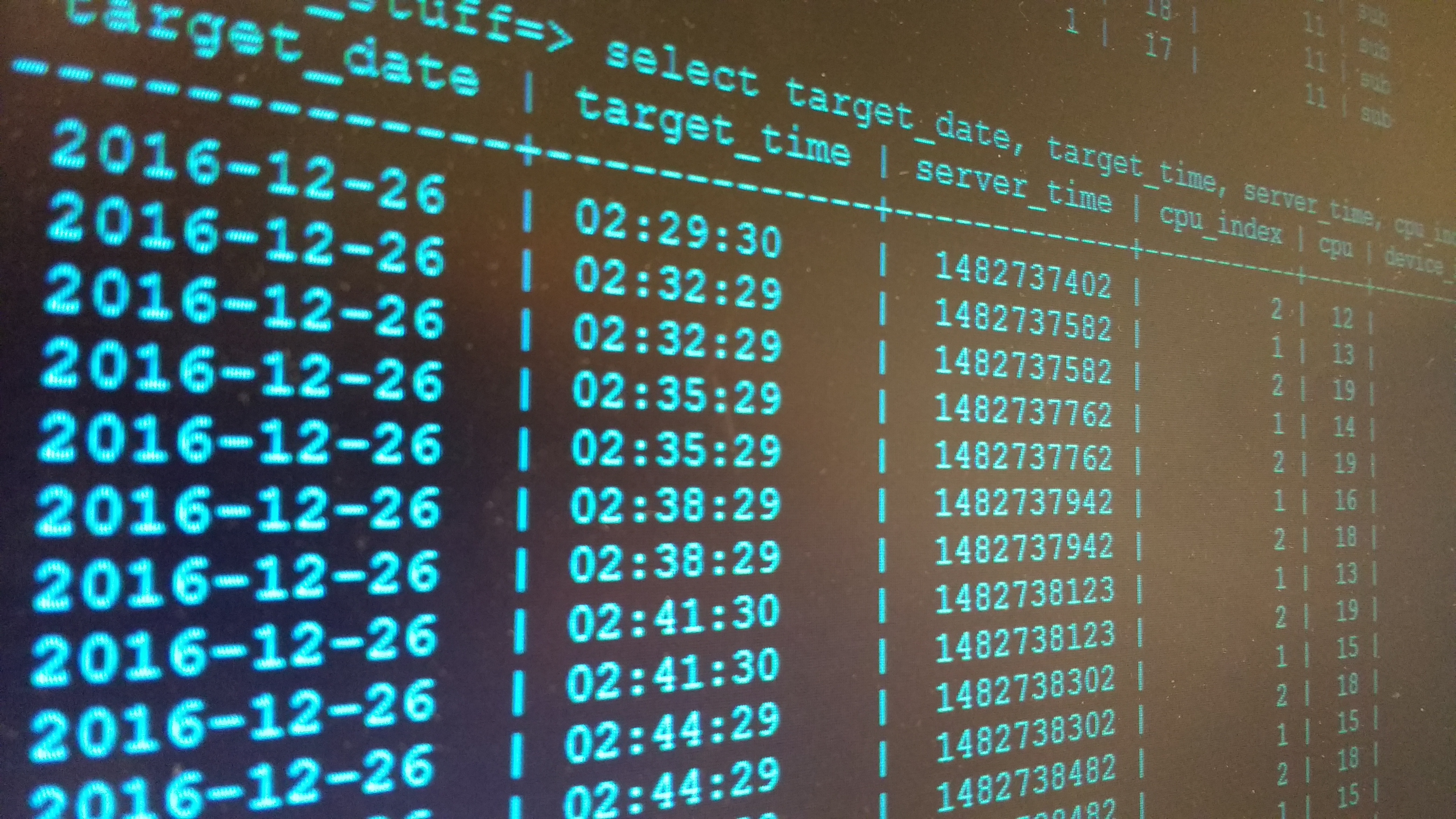
Image: Postgres Query.jpg — (CC BY-SA 4.0), via Wikimedia Commons
When Should You Partition? The Decision Criteria
Partitioning is not a default optimization—it introduces genuine operational complexity. Applied to the wrong table, it adds planning overhead, complicates schema management, and can actually hurt performance. Consider it seriously when the following conditions apply:
The table is large enough for partitioning to pay off. As a practical starting threshold, tables above 100 million rows or several hundred gigabytes are candidates worth evaluating. Below that, a well-designed composite index typically outperforms partitioning by a meaningful margin with far less operational overhead. Rule of thumb: reach for better indexes first; reach for partitioning when indexes alone are no longer enough.
Queries consistently filter on a column that makes a natural partition key. Partition pruning only works when the WHERE clause includes the partition key. A date-range-partitioned table delivers its benefits when queries filter by date. If most of your queries scan the entire table regardless of filter conditions, partitioning adds storage and planning overhead without reducing scan cost—and can make full-table scans measurably slower due to the overhead of opening many child relations.
You need efficient data lifecycle management. One of partitioning's most compelling practical benefits is bulk data deletion. Dropping or detaching an old partition—such as removing last year's event log—is an instantaneous, metadata-only operation. The equivalent DELETE across millions of rows is slow, generates substantial WAL traffic, and holds locks that affect concurrent reads and writes. If you regularly purge historical data, partitioning is worth the overhead for this benefit alone.
Autovacuum is a bottleneck on the current table. A single multi-terabyte table with constant inserts, updates, and deletes strains autovacuum. Partitioning allows autovacuum to process each partition independently—reducing the scope of each run, allowing concurrent vacuuming of different partitions, and making bloat management tractable at large scale.
The Three Partitioning Strategies: Range, List, and Hash
PostgreSQL provides three declarative partitioning strategies. Choosing the right one depends on the shape of your data and the nature of your queries.
Range Partitioning
Range partitioning divides rows based on a continuous value range, most commonly a timestamp or date column. This is by far the most common production use case—time-series data like event logs, transaction records, IoT sensor readings, and audit trails all benefit from this pattern.
A monthly-partitioned event log, for example, allows a query filtering to "last 30 days" to touch only the current and previous month's partitions. Queries scoped to last quarter hit three partitions. Queries spanning five years are the edge case—and they still benefit from parallelism across partitions if partition-wise aggregation is enabled.
Range partitioning also enables clean retention policies: detaching and dropping the oldest partition removes months of data in milliseconds, with no massive DELETE, no WAL explosion, and minimal lock contention.
List Partitioning
List partitioning routes rows to partitions based on discrete enumerable values—country code, region identifier, tenant ID, or product category. This is the natural pattern for multi-tenant architectures where application queries are almost always scoped to a single tenant, allowing the planner to prune every other tenant's partition immediately at planning time.
List partitioning also enables surgical maintenance operations. If one tenant requests data migration, anonymization, or export, the operation can target a single partition with minimal impact on others—a significant operational advantage in regulated environments with per-tenant data governance requirements.
Hash Partitioning
Hash partitioning distributes rows evenly across a fixed number of partitions using a hash function applied to the partition key. Unlike range and list, hash partitioning does not enable meaningful partition pruning on filtered queries—the planner generally cannot determine which hash partition a given value belongs to at planning time.
Hash partitioning's primary utility is distributing write load and autovacuum pressure. On tables with extremely high insert rates where a single relation becomes a physical bottleneck, spreading rows across, say, 16 hash partitions can reduce contention on index pages and allow concurrent autovacuum processes to operate on different partitions simultaneously. It's a more specialized tool than range or list.
| Strategy | Best Use Case | Partition Pruning | Data Lifecycle Ops |
|---|---|---|---|
| Range (date/time) | Time-series, logs, events, transactions | Excellent | Ideal — drop old partitions instantly |
| List (enum values) | Multi-tenant, regional, per-category | Good | Good — per-tenant operations |
| Hash | High write throughput, autovacuum distribution | Minimal | Limited |
Implementing Range Partitioning: A Practical Example
Creating a partitioned table in PostgreSQL requires declaring the partitioning strategy on the parent table, then creating each child partition with its value bounds. Here is a complete example for a time-series event log partitioned by month:
-- Create the parent partitioned table
CREATE TABLE user_events (
    id          BIGSERIAL,
    user_id     BIGINT NOT NULL,
    event_type  TEXT NOT NULL,
    created_at  TIMESTAMPTZ NOT NULL,
    payload     JSONB
) PARTITION BY RANGE (created_at);

-- Create individual monthly partitions
CREATE TABLE user_events_2026_07
    PARTITION OF user_events
    FOR VALUES FROM ('2026-07-01') TO ('2026-08-01');

CREATE TABLE user_events_2026_08
    PARTITION OF user_events
    FOR VALUES FROM ('2026-08-01') TO ('2026-09-01');

-- Always add a DEFAULT partition to catch out-of-range inserts
CREATE TABLE user_events_default
    PARTITION OF user_events DEFAULT;

-- Create indexes on each partition (or on parent in PG 11+)
CREATE INDEX ON user_events_2026_07 (user_id, created_at);
CREATE INDEX ON user_events_2026_08 (user_id, created_at);
In production, creating and managing partitions manually is error-prone. The pg_partman extension automates partition creation, maintenance windows, and retention based on configurable intervals and policies. It is strongly recommended for any partitioning scheme that spans more than a handful of manually-managed partitions.
After creating your partitioned table, always verify that pruning is actually happening for your key queries:
EXPLAIN (ANALYZE, BUFFERS)
SELECT * FROM user_events
WHERE created_at >= '2026-08-01'
  AND created_at <  '2026-09-01'
  AND user_id = 42;
The EXPLAIN output should show only the relevant monthly partition being scanned—and should not show Seq Scans across all partitions. If you see all partitions being scanned, the query planner is not pruning, which means the partition key is not being used in the filter and you need to revise your partition design or query structure.
Common Pitfalls and How to Avoid Them
Partitioning introduces operational complexity that can backfire if not managed carefully:
Partitioning tables that do not need it. The PostgreSQL query planner must examine each partition's constraint to determine which ones are prunable—a process that adds latency even when most partitions are excluded. With hundreds of partitions, planning overhead is measurable. A 10-million-row table with good composite indexes will nearly always outperform the same data spread across monthly partitions. Benchmark before committing.
Omitting a DEFAULT partition. If a row arrives with a partition key value that does not match any defined partition, PostgreSQL raises an error and the INSERT fails—unless you have defined a DEFAULT partition. Always create one in production. You can attach or detach it later and migrate rows to named partitions as needed.
Missing indexes on partitions. In PostgreSQL 11 and later, indexes created on the parent table are automatically propagated to new partitions created via PARTITION OF. However, manually attached partitions (using ATTACH PARTITION on an existing table) inherit no indexes automatically. Always verify index coverage on every partition after attaching, especially when migrating data from an unpartitioned table.
Querying without the partition key in the WHERE clause. A query such as SELECT * FROM user_events WHERE user_id = 42 on a date-range-partitioned table will scan all partitions sequentially if the date filter is absent. This is typically slower than the equivalent query on a non-partitioned table with an index on user_id. Partitioning optimizes for one access pattern; make sure your most important queries align with that pattern before committing to the design.
Frequently Asked Questions
Can I partition an existing large production table without downtime?
Yes, but it requires careful planning and execution. The general approach is: create the new partitioned table structure in parallel, migrate data partition-by-partition using INSERT INTO ... SELECT in bounded batches (to avoid long-running transactions), monitor replication lag and I/O impact throughout, then perform a final coordinated rename swap during a low-traffic window. Extensions like pg_partman and careful use of ATTACH PARTITION ... FOR VALUES with a brief ACCESS SHARE lock can minimize downtime for many workloads. For very large tables on busy systems, plan for this migration to take days, not hours.
Does partitioning replace the need for proper indexing?
No—partitioning and indexing solve complementary problems. Partition pruning reduces the number of physical partitions the planner needs to scan at all; indexes within each partition then accelerate scanning within the matched partition. Both are necessary for optimal performance at scale. For most workloads, index design should be addressed first, and partitioning added when table size makes even indexed access too slow or autovacuum unmanageable.
How many partitions is too many?
There is no hard ceiling, but performance characteristics degrade as the partition count grows into the hundreds and thousands. The planner's constraint exclusion check (even when efficient) adds overhead proportional to partition count. A widely cited practical guideline is to keep the number of active partitions in the range of dozens to low hundreds. Monthly partitions for date-range data typically work well. If you need finer granularity, consider sub-partitioning (partitioning partitions), which keeps the top-level partition list small while allowing fine-grained data organization at the second level.
Bottom Line
We recommend treating PostgreSQL table partitioning as a targeted optimization for specific, well-understood access patterns—not a general-purpose performance improvement to apply proactively. Start with comprehensive index design and EXPLAIN ANALYZE-driven query tuning. If your table has crossed a threshold where indexed access is no longer fast enough, autovacuum is unmanageable, or data lifecycle operations are operationally painful, range or list partitioning on a well-chosen key is the right next step. Always include a DEFAULT partition from day one, automate partition maintenance with pg_partman, and verify with EXPLAIN ANALYZE that pruning is actually working for your critical queries after deployment. Partitioning managed with clear intention pays for its operational overhead; partitioning applied speculatively tends to add complexity without proportional benefit.
Sources & References:
PostgreSQL Documentation: Table Partitioning
pg_partman: Partition Management Extension for PostgreSQL (GitHub)
Disclaimer: This article is for informational purposes only. Technology landscapes change rapidly; verify information with official sources before making technical decisions.